Why It Is So Hard to Stop Scrolling at Night
Most late-night scrolling does not begin with a dramatic decision to stay up.
It begins smaller. You are already tired. The room is quiet. Tomorrow starts early. You open one message, one video, one post, one headline. Ten minutes later, the browser is still open. The next recommendation has already loaded. The comment thread keeps unfolding. The headline looks just important enough to click.
At that point, blaming yourself for “bad self-control” is easy, but not very useful. The hardest bedtime decisions often arrive exactly when your mind is least prepared to make them well.
Why night makes the loop stronger
During the day, you can plan. You can decide that sleep matters. You can tell yourself clearly: tonight, I will stop earlier.
At night, attention is thinner. Patience is lower. The cost of one more click feels small. High-stimulation sites are built without natural stopping points: one video leads to another, one post opens another thread, one news page suggests the next urgent thing.
There is also a quieter emotional layer. Sometimes late-night browsing is not about pleasure. It is about delaying the end of the day. When the day has been full, stressful, or overly scheduled, the screen can feel like the only remaining pocket of personal time.
That is why the better question is not “How do I become stronger at midnight?” It is: “How do I avoid leaving the hardest decision until midnight?”
A boundary should arrive before the argument starts
FocusGate is built around that idea. It does not try to turn you into a different person. It helps the clear-headed version of you support the tired version of you.
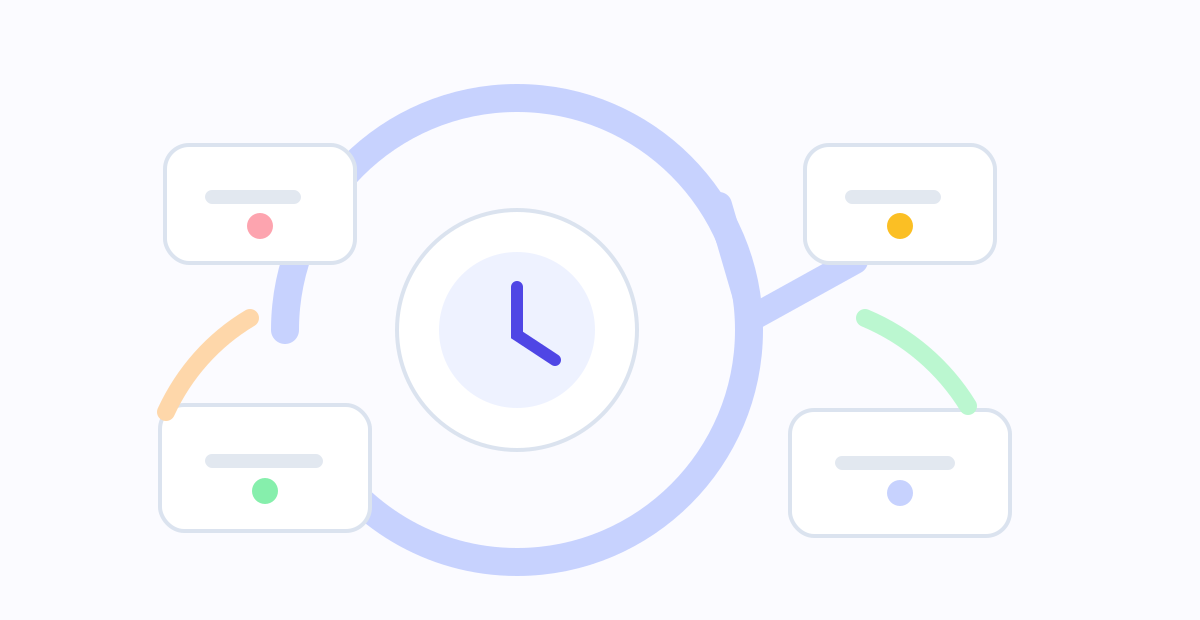
You can create a sleep rule group, keep the default “晚安守护” template, choose a start time, list the sites that most often pull you in, turn on a reminder window, and decide how temporary unlocks should work. When the scheduled time arrives, the browser no longer treats the visit as just another ordinary page load. It shows the boundary you already chose.
The point is not to punish you. The point is to stop renegotiating with every feed when you are already tired.
A setup you can try tonight
Keep the first version simple.
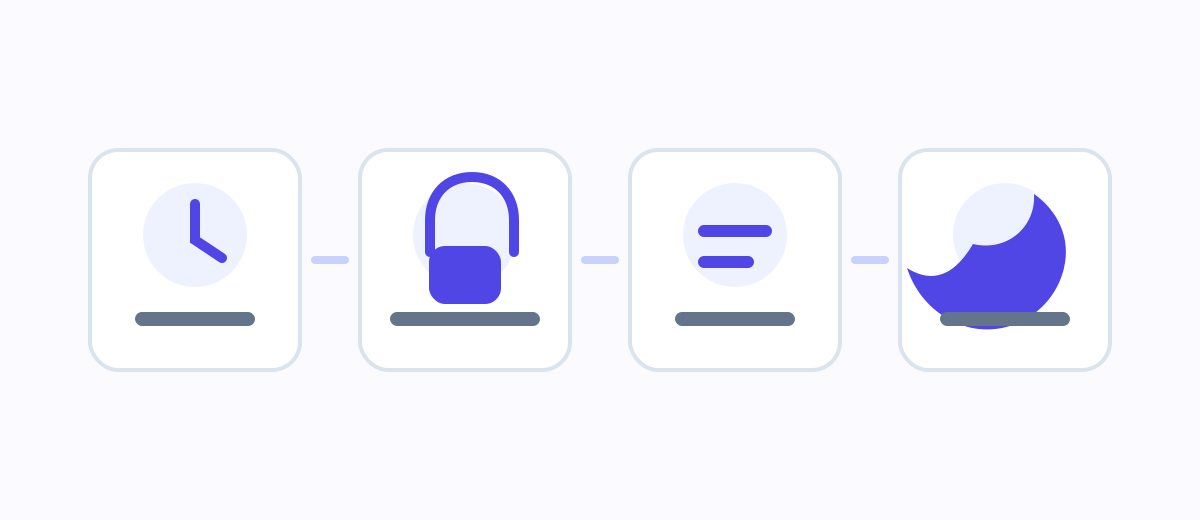
Start with a time you can honestly accept. It does not have to be your ideal sleep time. It can simply be the time when you want high-stimulation browsing to stop, such as 23:00.
Then list only the three to five sites that most often pull you past your intention. Do not block the whole internet on day one. The most useful boundary usually starts with the few doors you keep walking through.
Turn on an early reminder, such as 30 minutes before the rule starts. A reminder gives you a softer landing: save your progress, finish the current thing, and bring your attention back to the room before the block page appears.
Finally, write a block-page note that does not shame you. “You failed again” is not useful bedtime copy. Something like “This is enough for tonight. Tomorrow will feel lighter.” is more likely to help.
Temporary unlocks are not a flaw
Real life has exceptions. You may need to look something up, reply to something important, or handle a real interruption. FocusGate supports temporary unlocks, but they should have a time limit, and it can help to record a reason.
That friction is not there to annoy you. It turns an automatic click into a conscious choice. Often, the few seconds of pause are enough to notice that you do not actually need to continue.
The tool has boundaries too
FocusGate is a browser extension. It helps manage website boundaries inside the browser where it is installed. It does not control your phone, native apps, another browser, or extension removal. It is best understood as a visible, local, scheduled boundary.
It is also not medical advice. If you are dealing with serious or persistent sleep problems, anxiety, or health concerns, a browser tool is not a substitute for professional support.
The goal is not to make the night stricter. The goal is to make it easier to let the day end.