FocusGate’s Local-First Privacy Design

It is reasonable to pause when a browser extension asks for permissions.
A tool that helps limit websites sounds like it might need to know a lot: which pages you open, when you open them, what is on the page, and what you type. For many users, the key question is not only “Will this help?” It is also “Will this know too much?”
FocusGate’s privacy design starts from a narrower principle: to enforce website boundaries, the extension needs to know whether the current domain matches rules you configured. It does not need to understand the page you are reading. It does not need to read form fields. It does not need to upload browsing content to a server.

What FocusGate stores
FocusGate stores the settings you create so rule groups can work.
That includes rule group names, enabled states, schedules, restricted domains, reminder windows, block modes, temporary unlock settings, block-page titles and descriptions, primary button behavior, and any static block or handoff HTML you enter.
If you use stats, the extension also stores local domain-level events, such as when a domain was blocked, temporarily unlocked, added to a rule group, reminded, or cleared. These events support local review, such as today’s blocks, the current rule session, and recent trends.
By default, this information stays in the browser’s local extension storage. The current MVP has no account system, no cloud sync, and no sale of user data.
What FocusGate does not read
FocusGate is not built to analyze page content. It does not read page body text. It does not read form input. It does not read account passwords. It does not use page titles as the basis for stats.
The important distinction is this: FocusGate cares whether the domain is one of the boundary doors you configured. It does not need to know what is inside the page.
For example, if you add youtube.com to a rule group, FocusGate needs to know that the current page belongs to that domain so it can decide whether to remind or block. It does not need the video title, comments, or account information.
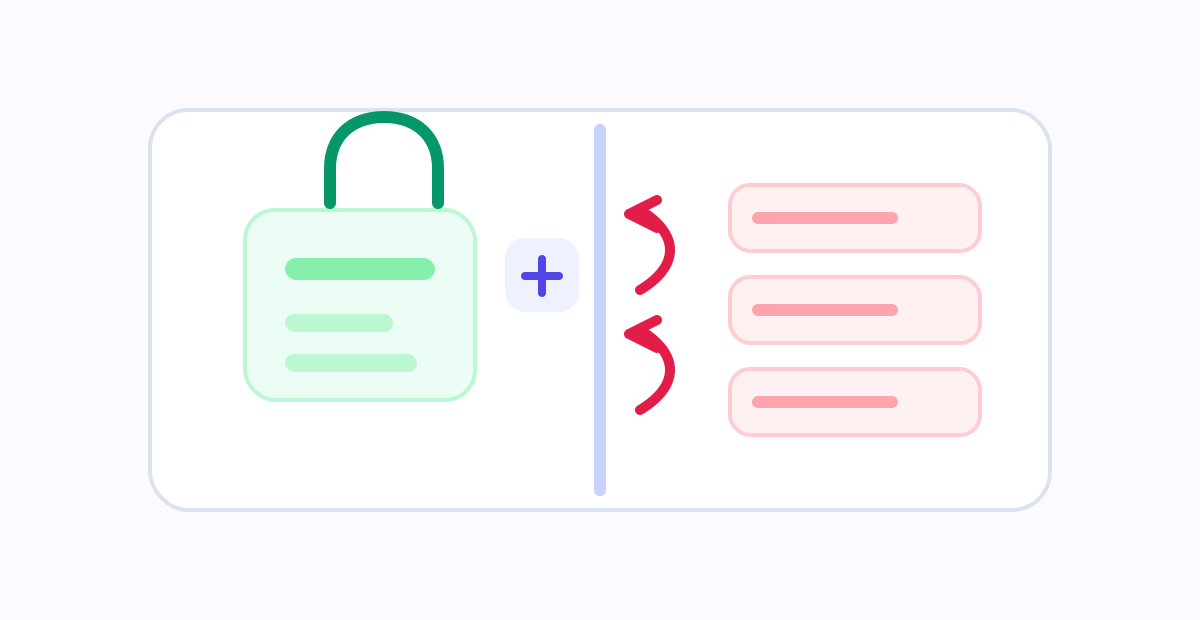
Why URL and domain access are still needed
A browser extension cannot block a website without knowing which website the browser is visiting. That is why FocusGate needs URL / domain information.
When a page loads, the extension checks the current domain against your rule groups. Is the domain on the list? Is the schedule active? Is the rule group paused? Has this domain been temporarily unlocked for this group? If the decision says the site should be blocked, the browser opens the block page.

That decision does not require page body text. It is closer to checking an address label at the door than reading what is inside the room.
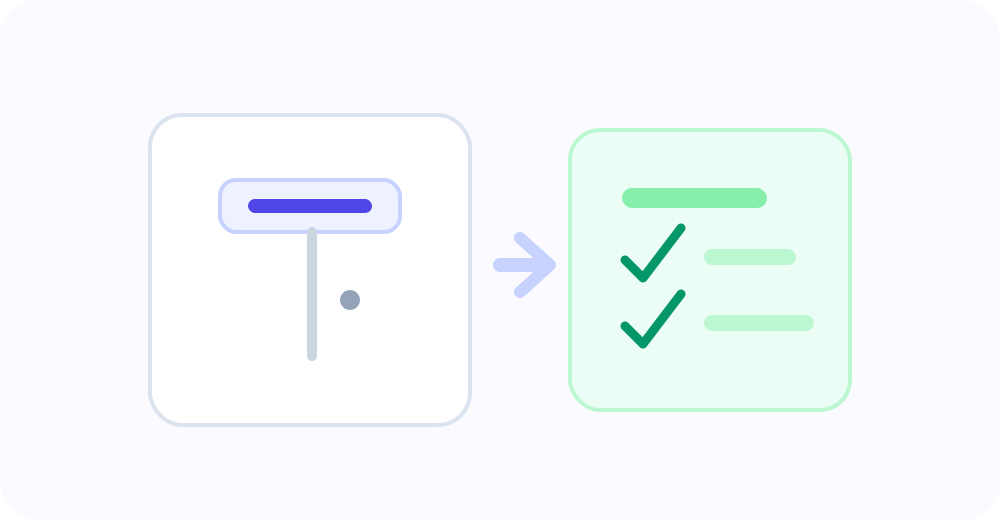
What local-first means here
Local-first is not just a slogan for the current version of FocusGate.
It means settings and stats are stored locally by default. There is no login flow. There is no cloud sync flow. The product does not rely on a server to decide whether a site should be blocked. If you clear local stats or uninstall the extension, local extension data is reduced or removed according to the browser’s extension storage behavior.
There is also a tradeoff: this MVP does not automatically sync your rules across devices. If you move to another computer or browser, you need to configure it again. That keeps the initial product simpler and avoids unnecessary data movement.
The boundary should be understandable
A privacy policy matters, but users should not have to decode legal language to understand the product’s basic data boundary. An attention-boundary tool should not create a new kind of uncertainty.
FocusGate should keep these lines clear: use domain information only to evaluate user-configured rules; keep stats at the domain-event level; do not read page body text, form input, passwords, or page titles; do not add analytics, remote scripts, or third-party tracking without updating the privacy policy and store declarations.
An attention boundary should make the browser feel calmer, not turn it into a data black box.