How to Set Up a Focus Rule Group Without Overblocking
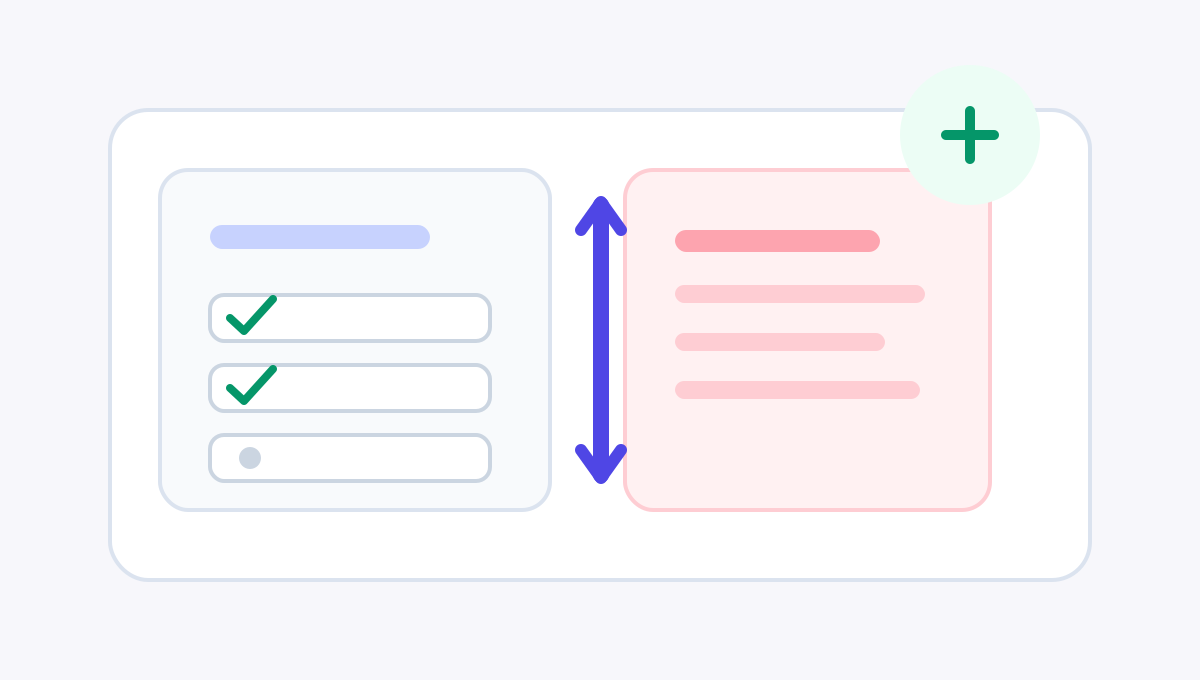
Work distraction often begins with something reasonable.
You open the browser to look up a reference. A video explanation appears. The sidebar suggests another one. A message reminder pulls you elsewhere. A shopping tab is still open from lunch. When you return, the original task has lost its shape.
That does not mean the internet should become a wall. A better focus boundary makes the wrong doors harder to open at the wrong time.
Do not start by blocking everything
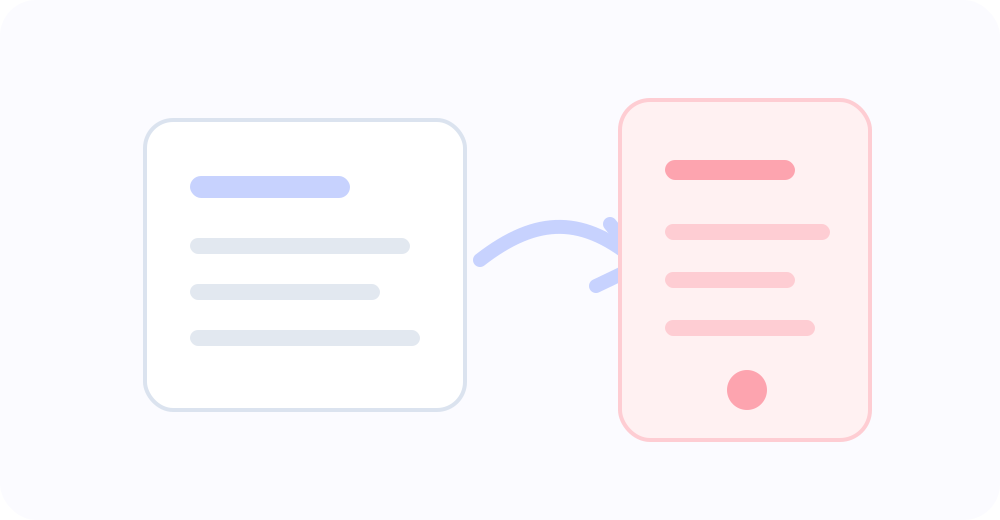
Many people overconfigure their first focus tool. They add every distracting site they can think of and keep the rule active all day. It feels decisive, but it is usually brittle.
Not every work hour is the same. Some blocks are for deep work. Some are for research. Some are for rest. If the rule is too wide, it blocks legitimate work. If it is too strict, you will quickly look for ways around it.
FocusGate rule groups are designed to stay specific. A work focus group can have its own schedule, sites, reminders, block mode, unlock settings, and primary action, separate from a bedtime group or a weekend reset group.
A practical starting template
Create a rule group named “Work Focus” or “工作时间专注”.
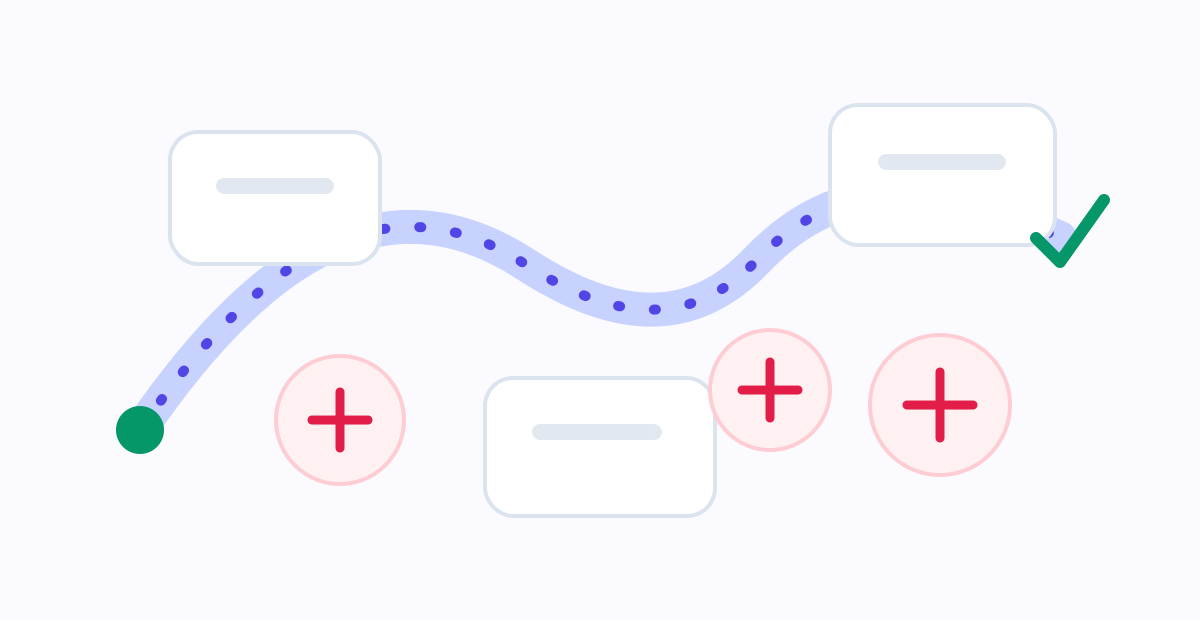
Do not cover the whole day at first. Choose the blocks you most want to protect, such as weekdays 09:00-12:00 and 14:00-18:00. If your work is less regular, start with your own deep-work window, even if it is only two hours.
Add only the high-risk entry points: video sites, short-form feeds, social sites, shopping, forums, and entertainment. Avoid blocking research tools or sources you genuinely need for work.
Start with the standard mode. New users do not need the strictest settings on day one. Let the boundary appear, watch how it feels for a week, then decide whether to reduce unlock time or tighten the limit.
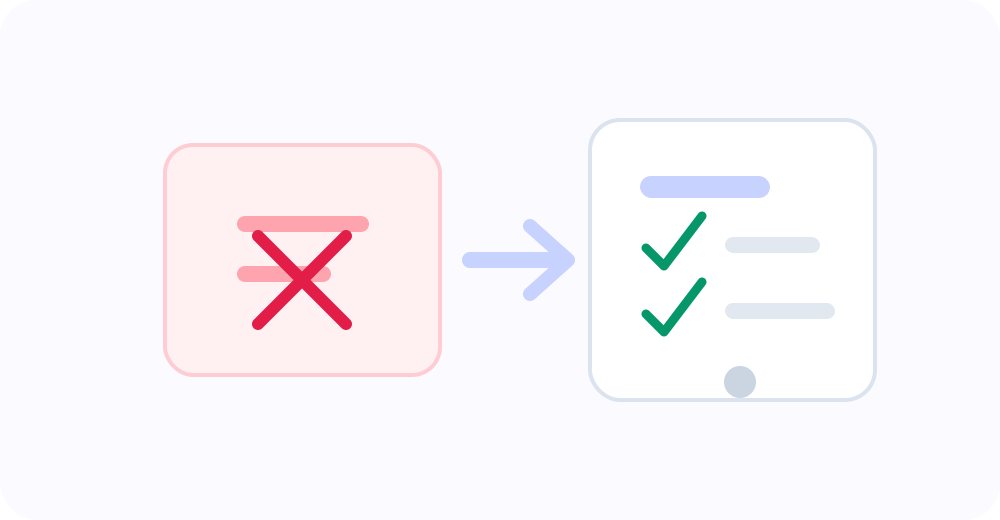
For the primary action, choose either closing the page or opening a task list / handoff page. The second option is especially useful for work: when you hit the boundary, the next step is visible immediately.
Reminders are often better than sudden blocks
The most frustrating work block is the one that surprises you in the middle of a transition. A reminder window makes the boundary less abrupt.
If your rule begins at 14:00, try a 10 or 15 minute reminder. When you casually open an entertainment site after lunch, the page can show a quiet notice before the full block starts. You have time to close the page, save anything useful, and return to the task.
A reminder is not a weak boundary. It is a ramp. Many distractions only need a small interruption before they become an hour.
Common mistakes
The first mistake is blocking too many sites. Start with the doors you regret opening most often, not a perfect list of every possible distraction.
The second mistake is keeping the rule active all day. A focus boundary that covers rest, research, and legitimate communication becomes a burden.
The third mistake is removing every emergency path. Temporary unlocks are not failure. They are a reality interface. The key is to make them time-limited, count-limited, and clear enough to remain intentional.
The fourth mistake is using harsh block-page copy. Work already carries pressure. The block page should be short, clear, and pointed toward the next action.
Let the boundary serve the work
A good work rule group should reduce switching during important hours. It should not make your whole day feel controlled.
Start small: two weekday focus blocks, three to five high-risk sites, one reminder window, and one primary action that takes you back to the task list. After a few days, adjust based on what actually happens.
Focus is not about locking every door. It is about placing a clear gate at the few intersections where you most often turn away from the work.